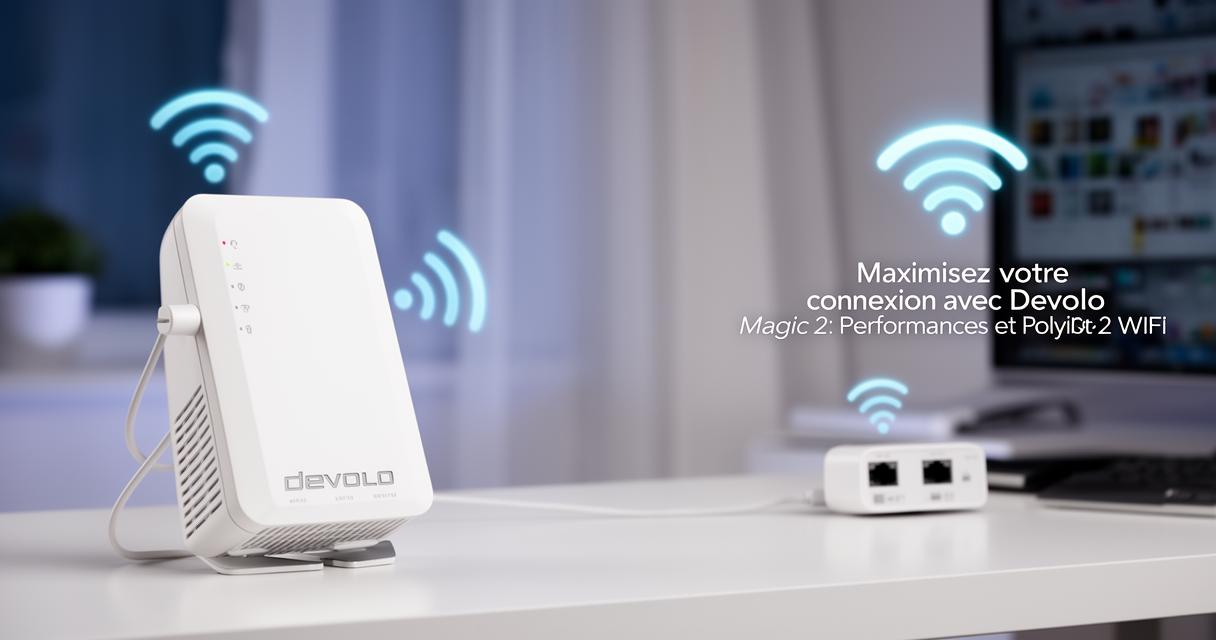
If your home Wi-Fi has ever left you staring at a spinning loading icon or watching a video call freeze at the worst possible moment, you are certainly not alone. Many households struggle with patchy coverage, particularly in older properties with thick walls or multiple floors. The devolo Magic 2 WiFi range offers a clever solution by combining Powerline technology with a proper Mesh Wi-Fi system, giving every room in the house a strong, stable connection without the need for extensive rewiring or unsightly cables.
What to know
- The devolo Magic 2 WiFi system solves connectivity issues by combining Powerline technology with Mesh Wi-Fi to deliver a stable signal throughout the home.
- Powerline technology uses existing electrical wiring to transmit data, effectively bypassing physical obstacles like thick walls that typically block Wi-Fi signals.
- By integrating Mesh networking, the system allows for seamless transitions as devices move between access points without dropping the connection.
- The system is highly scalable, allowing users to add multiple adapters to cater to the specific size and layout of their property.
- Integrated Ethernet ports on the adapters provide a stable, high-speed wired connection for devices like gaming consoles and smart TVs.
- Performance can be optimized through strategic placement of adapters away from large appliances and by keeping the devolo Home Network App updated.
Understanding devolo magic 2 wifi capabilities and powerline communication technology
At the heart of the devolo Magic 2 range lies a rather ingenious idea: using the electrical wiring already running through your walls to carry internet data. This is known as Powerline technology, and it means you can plug an adapter into any socket in your home and instantly extend your network to that spot, without drilling holes or running long Ethernet cables across the floor.
How powerline communication transforms your existing electrical infrastructure
Rather than relying solely on radio waves to travel through brick and plaster, Powerline Communication sends data through your household's electrical circuit. This is particularly useful in properties where Wi-Fi signals struggle to penetrate multiple walls or floors. By simply plugging one adapter near your router and another in a distant room, you create a stable data pathway that bypasses the usual obstacles causing dead zones. It is a practical answer for anyone frustrated by a study or garden room that always seems to sit just out of range.

Key features that set devolo magic 2 wifi apart from traditional routers
Unlike a standard router that broadcasts a single signal from one fixed point, the devolo Magic 2 WiFi range blends Powerline adapters with genuine Mesh Wi-Fi capability. This combination allows the network to adapt intelligently to your home's layout rather than forcing your home to adapt to the router's limitations. Many models also include integrated Ethernet ports, which provide a wired option for devices that benefit from a faster, more stable connection, such as gaming consoles or smart TVs. The devolo Magic 2 Wi-Fi 6 Starter Kit, for example, supports speeds of up to 3000 Mbps and is available from £189.99, making it a solid choice for households wanting both flexibility and performance.
Extending Your Network Coverage Throughout Your Home with Adapters and Kits
One of the great strengths of the devolo system is how easily it scales to suit different homes. Whether you live in a compact flat or a sprawling house with a garden and garage, there is a combination of adapters and kits designed to match your specific needs.
Selecting the Right Devolo Magic Adapters for Different Room Configurations
Choosing the correct setup depends largely on how many rooms need coverage and how those rooms are used. A cosy living room and bedroom might only require a couple of adapters, while a larger property with a study, sports room, kitchen, and even a garden office will benefit from additional units spread throughout. The devolo Wi-Fi 6 Repeater 3000, priced at £94.99 and supporting speeds up to 3000 Mbps, is a popular addition for those wanting to boost coverage in a specific weak spot without overhauling the entire network. Devices that particularly benefit from this expanded coverage include smartphones, smart home devices, gaming consoles, and audio equipment scattered around the house.
Strategic Placement of Devices to Ensure Strong Signal Strength in Every Corner
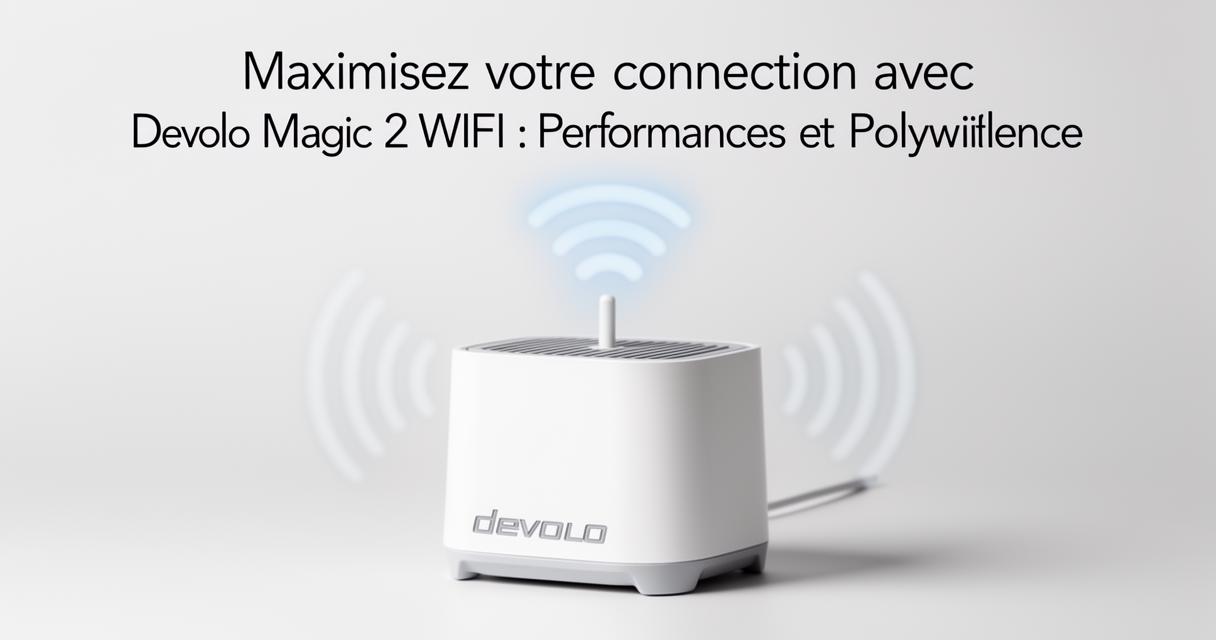
Even the best hardware needs thoughtful positioning to perform at its best. Adapters placed too close to large appliances or metal objects can suffer interference, so it is worth experimenting with a few different sockets before settling on a final layout. Rooms such as the bathroom, balcony, or garage often present unique challenges due to damp conditions or thicker walls, so placing an access point nearby, rather than relying on a signal travelling from the other end of the house, tends to yield far better results. A little trial and error here pays dividends in the long run.
Optimising performance through mesh networks and regular software maintenance
Once your adapters are in place, the real magic happens when they work together as a unified Mesh Wi-Fi system rather than isolated hotspots. This is where devolo's approach truly shines, offering seamless connectivity as you move from room to room.
Configuring Mesh Network Setup for Seamless Coverage and Enhanced Speed
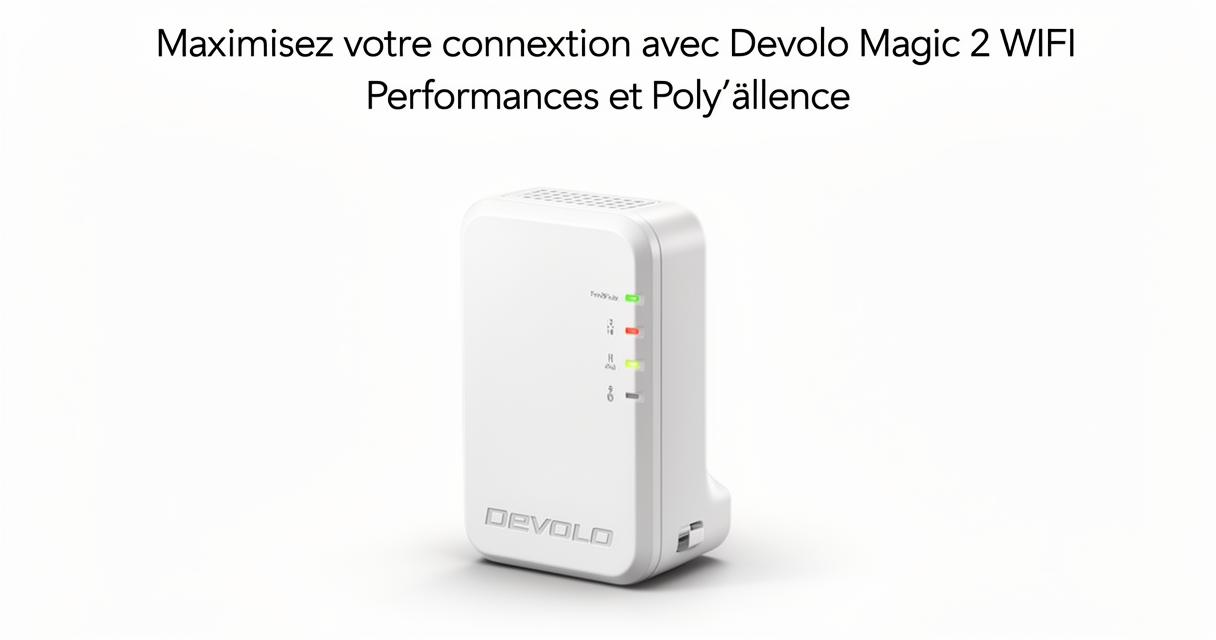
Setting up a mesh network with devolo products is refreshingly straightforward. You begin by deciding how many access points your home requires, then download the devolo Home Network App and connect each device to your existing router. From there, the system automatically coordinates itself, using a feature called Config Sync to ensure smooth transitions between access points as your devices move around the property. This means your smartphone or laptop will not drop the connection when you walk from the kitchen to the garden, as the network intelligently hands you off to the nearest, strongest access point without any noticeable interruption.
Maintaining Peak Efficiency with Regular Application Updates and Multiple Magic Devices
Like any piece of connected technology, your devolo Mesh Wi-Fi system benefits from regular attention. Keeping the devolo Home Network App updated ensures you receive the latest performance improvements and security patches, which can make a noticeable difference over time. Households that add multiple Magic devices to their network often find that overall efficiency improves further, as the mesh has more nodes to distribute traffic across, reducing strain on any single point. This scalability makes it easy to grow your network as your needs change, whether that means adding a new smart home gadget or simply wanting stronger coverage in a previously neglected corner of the house. Should you run into any difficulties along the way, customer support remains available by phone or email during business hours, ready to help iron out any teething problems with your setup.