Losing your official iPhone 14 charger or simply misplacing it at the wrong moment doesn't need to spell disaster for your device's battery life. There are plenty of reliable ways to keep your phone powered up using alternative equipment, so long as you know what to look for and how to use it safely. This guide walks through the smartest options for charging your iPhone 14 without relying on Apple's own adapter, whilst keeping your battery in good health along the way.
Key takeaways
- Always prioritize MFi (Made for iPhone) certified third-party chargers to ensure device safety and avoid potential battery or circuitry damage.
- Reputable brands like Anker, Belkin, and RAVPower provide reliable, high-quality alternatives to official Apple charging accessories.
- Computers and high-quality power banks serve as effective backup charging solutions, though wired wall connections remain the fastest method.
- Wireless charging pads offer a convenient, cable-free option, especially for office desks or bedside tables, despite generally slower charging speeds.
- Optimize long-term battery health by using Low Power Mode, closing background apps, and utilizing the iPhone's built-in optimized charging settings.
- Regularly clean your charging port to remove debris and avoid charging in hot environments to prevent performance issues and battery degradation.
Selecting safe and certified third-party charging solutions
Understanding mfi certification and why it matters
Before you plug in any old cable you find lying around, it's worth understanding what makes a charger genuinely safe for your iPhone 14. Apple runs a scheme called MFi certification, which stands for Made for iPhone, and it's essentially a quality assurance stamp for third-party accessories. Chargers and cables that carry this certification have been tested to work properly with Apple's charging protocols without damaging the internal circuitry or battery. Using uncertified accessories, on the other hand, can lead to slower charging speeds, overheating, or in rare cases, actual harm to your device. When shopping for a replacement, always check the packaging or product description for that all-important MFi logo before handing over your cash.
Top Recommended Third-Party Charger Brands for Your iPhone 14
Once you know what certification to look for, choosing a brand becomes much simpler. Companies such as Anker, Belkin, and RAVPower have built solid reputations for producing dependable, MFi-approved chargers that rival Apple's own offerings, often at a friendlier price point. These brands typically offer a range of wattages and cable lengths, so you can pick something suited to your daily routine, whether that's a compact adapter for travel or a longer cable for charging whilst you work. It's a sensible idea to read customer reviews and check for warranty coverage too, as this gives you extra peace of mind that your purchase will hold up over time.
Alternative charging methods beyond traditional wall adapters
Charging via USB Connection to Computers and Power Banks
If you don't have a wall adapter handy, your iPhone 14 can still draw power through a simple USB connection to a laptop or desktop computer. This method is slower than a dedicated wall charger, but it's a handy backup when you're working at your desk anyway. Power banks offer another excellent solution, particularly for those who are frequently on the move or away from mains sockets for extended periods. A good quality power bank with sufficient output can top up your phone several times over before needing a recharge itself, making it an essential companion for commuters and travellers alike.
Exploring Wireless Charging Pads as a Convenient Option
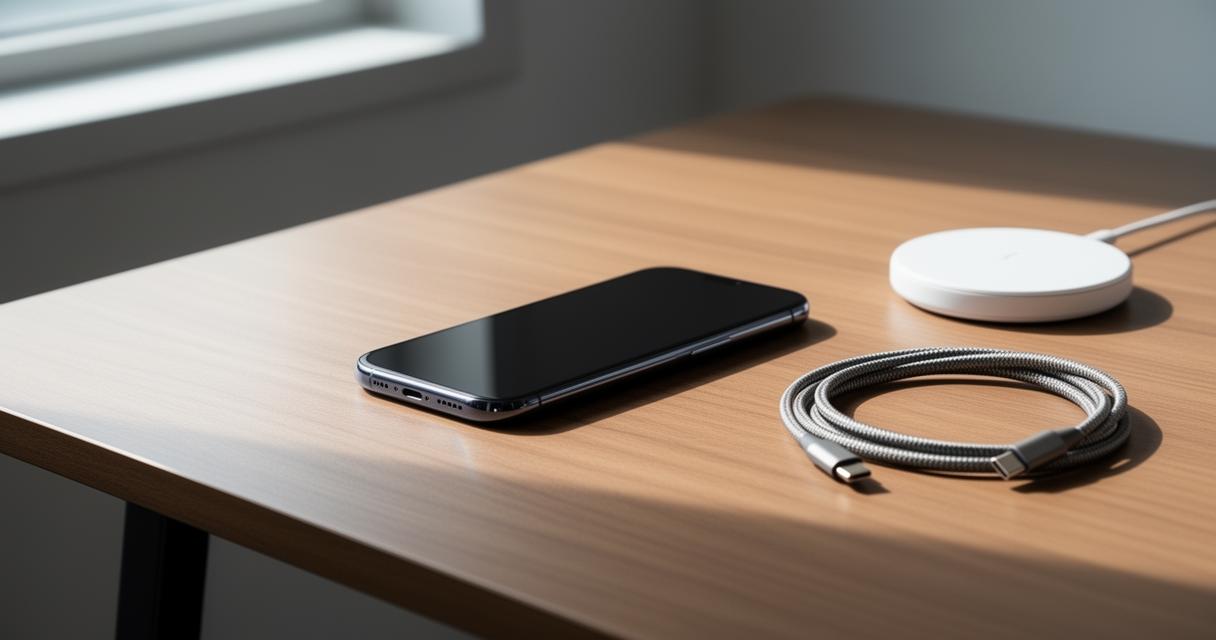
Wireless charging pads have become increasingly popular, and for good reason. Simply placing your iPhone 14 on a compatible pad eliminates the fuss of cables altogether, which is particularly handy on a bedside table or office desk. Whilst wireless charging tends to be somewhat slower than a wired connection, the convenience factor often outweighs this drawback for everyday use. Many pads also come with additional features such as LED indicators or multi-device charging surfaces, allowing you to power up your phone and other accessories simultaneously.
Optimising battery health during charging sessions
Leveraging low power mode and energy-efficient settings
Regardless of which charging method you choose, there are steps you can take to protect your battery's long-term health. Switching on low power mode reduces background activity and dims certain features, which not only extends the time between charges but also eases the strain during the charging process itself. It's also worth closing unused applications running in the background, as these can quietly drain power and generate unnecessary heat. Adjusting screen brightness and disabling features like background app refresh when you don't need them can make a noticeable difference too. For those who charge overnight, using an optimised charging setting helps slow the rate of battery ageing by learning your daily routine and delaying full charge until shortly before you wake.
Maintaining clean charging ports and avoiding environmental hazards
A surprisingly common cause of poor charging performance is a dirty or obstructed port. Dust, lint, and debris can accumulate over time, preventing a secure connection between your cable and device. Gently cleaning the port with a soft brush or a wooden toothpick can resolve many charging niggles without needing professional repair. It's equally important to avoid charging your iPhone 14 in high-temperature environments, such as direct sunlight or a hot car, since excessive heat accelerates battery degradation and can even trigger safety shutdowns. Keeping your device in a cool, dry spot whilst it charges will go a long way towards preserving its overall lifespan and ensuring it continues to perform reliably for years to come.